Marathonbet Account Registration and Verification

In 2026 Marathonbet continues to attract many new players from Europe. For such players, there is relevant information about creating a profile and its verification, after which you can use our services. That’s why on this page we have collected detailed information on the Marathonbet registration process. We also touched upon the issue of verification and how to pass it correctly. Create an account right now and get a welcome bonus of +100% on your first deposit up to 250 euros.

Read the detailed information about the registration process at Marathonbet.

How to Sign Up at Marathonbet via Email

Most often, new customers make Marathonbet registration using an Email address. The process of creating a profile takes no more than 5 minutes and follows the instructions below.

Step 1

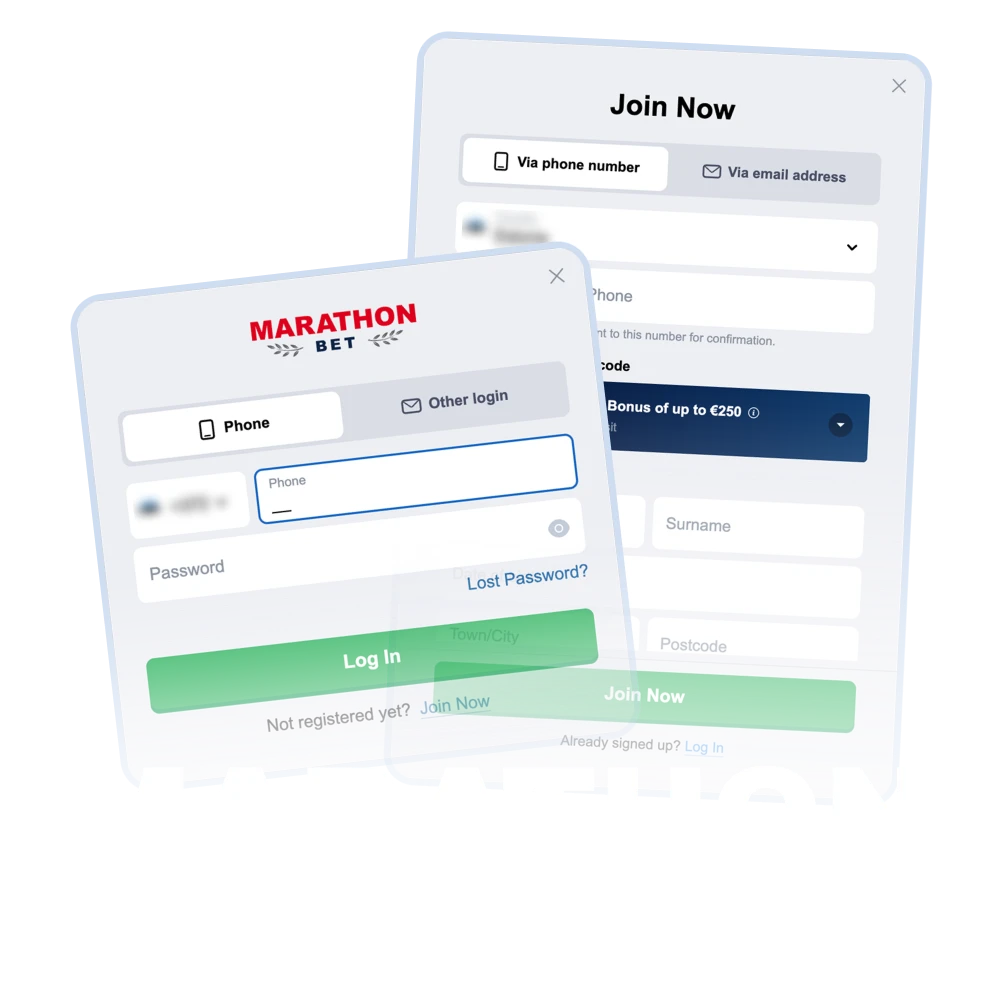
Click “Join Now”

Use the button on this page to start Marathonbet registration.
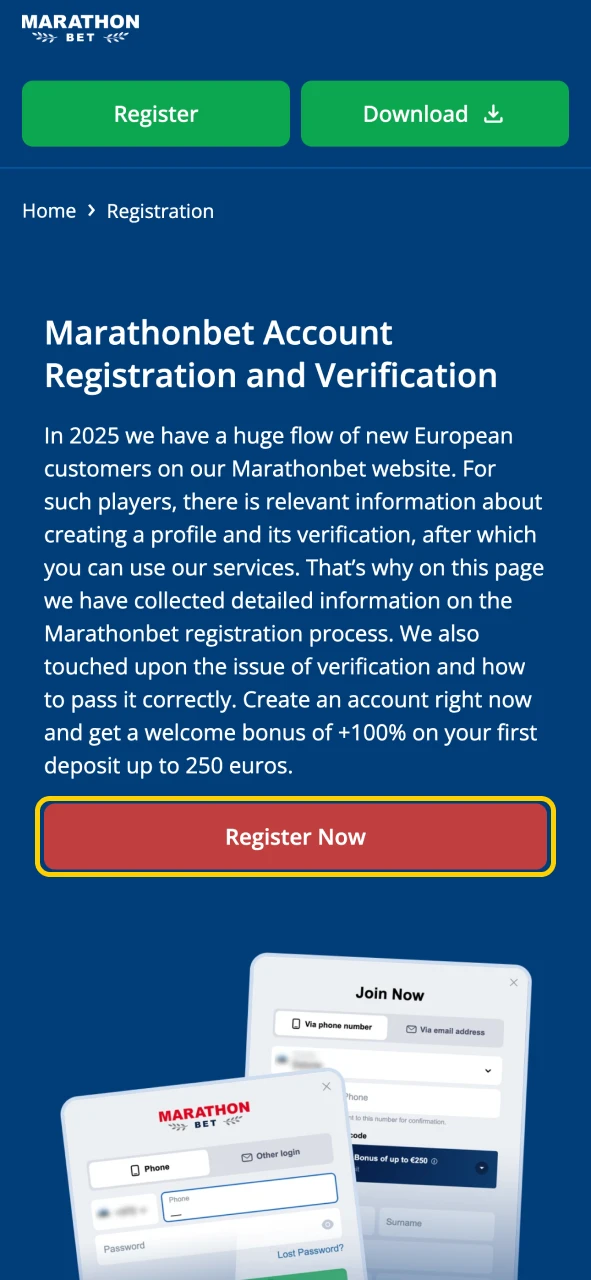
Use the button to start the registration process for Marathonbet.
Step 2

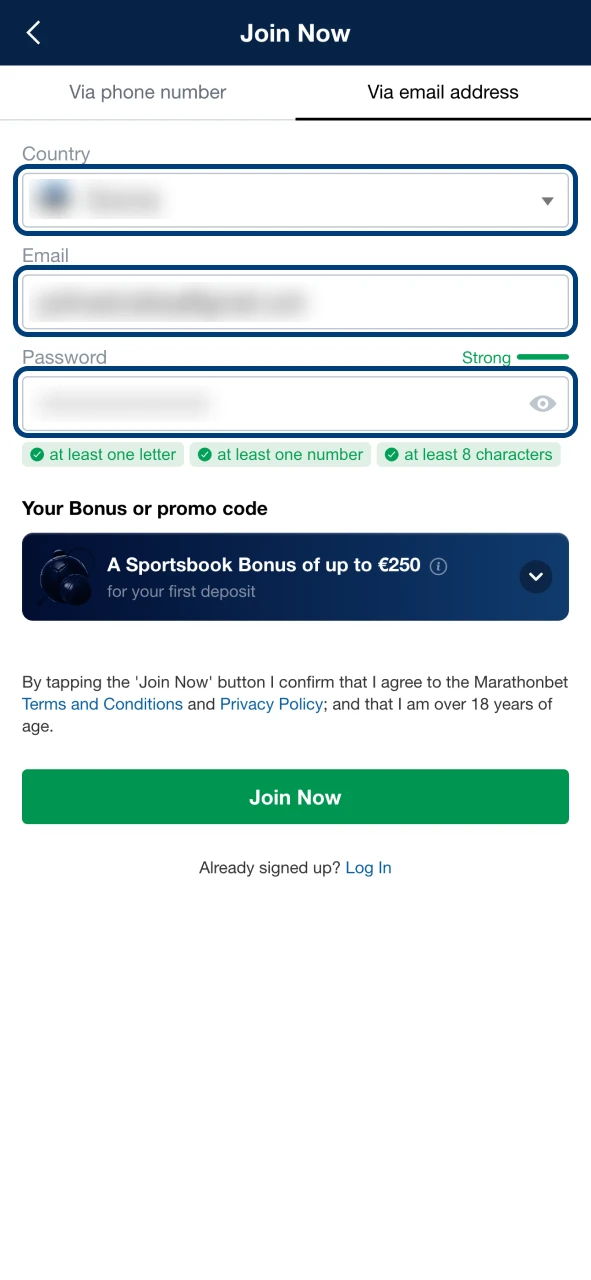
Fill the Form

Now select to register using email address. Then fill in your country of residence, email address, password, full name and address.

Fill out the Marathonbet registration form with your personal information.
Step 3

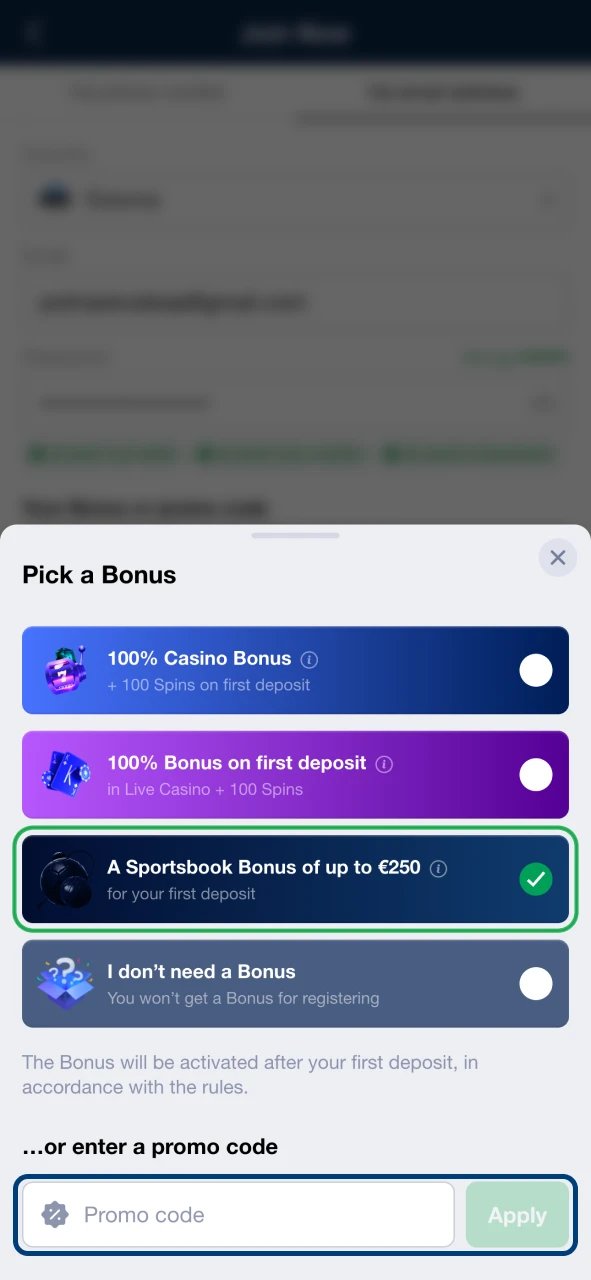
Choose a Bonus

Now choose one of the two welcome bonuses: for sports betting or for the casino. If there is a promo code, you can also use it.

Select a Marathonbet welcome bonus.
Step 4

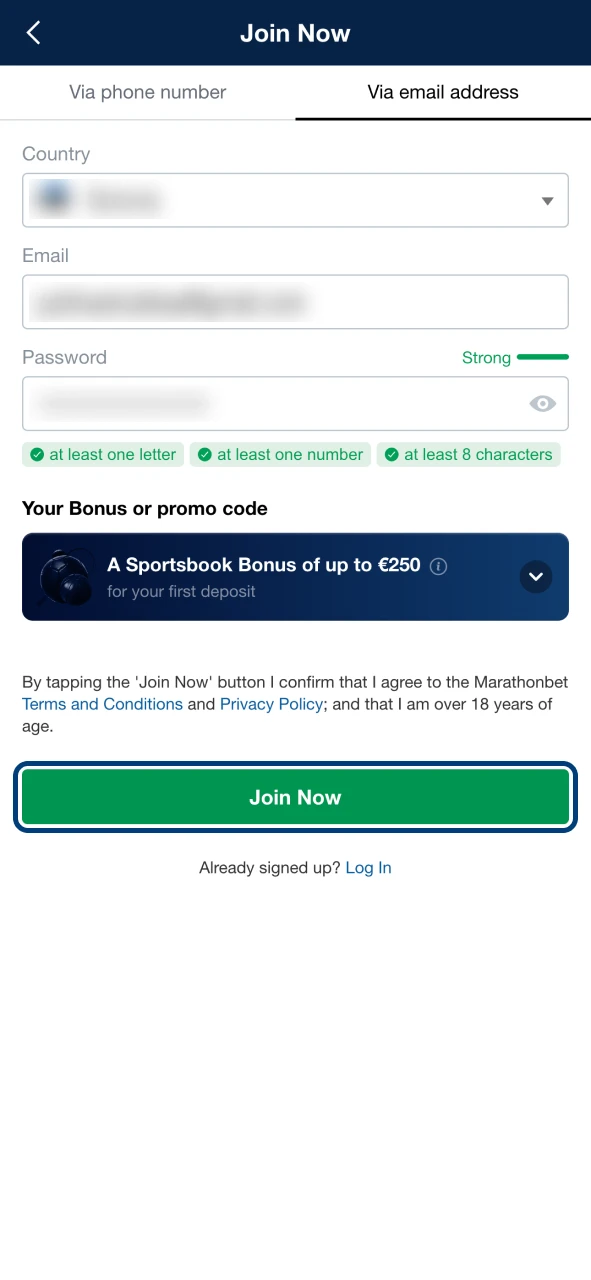
Complete the Registration

Use the “Join Now” button at the end of the Marathonbet registration form.

Use the button at the end of the Marathonbet registration form.

Registration via Phone Number

To register using your phone number, use these instructions:

  1. Click the “Register Now” button at the top of this page.
  2. Select register with a cell phone number and enter it.
  3. Now fill in the information of full name, date of birth, residential address and click on the bonus you want to get.
  4. Complete the profile creation with the “Join Now” button.

Registration via Mobile App

Many of our customers use the Marathonbet mobile app. Registration in it is also not complicated and follows the steps described below:

  1. Open the Marathonbet app.
  2. Click on “Join Now” on the top bar.
  3. Select the registration method and fill in all the details we request about yourself.
  4. Tap on “Join Now” at the end of the registration form.

Write down your username and password somewhere, as you will need this information for each account login.

Marathonbet Welcome Bonuses

We currently offer 2 Marathonbet welcome bonuses to our customers. The first one is suitable for betting and the second one is for casino games. We have told more about them below:

  • Welcome Sports Bonus. With this bonus, a player can increase his first deposit by +100% of up to €250. The minimum deposit amount to participate in the promotion is 5 euros. The turnover requirement is set at 5X and must be met in 14 days;
  • Welcome Casino Bonus. This welcome package is divided into 3 deposits. The first one doubles the player’s deposit up to €1,000 to play at Live Casino. The second deposit will also increase by +100% of up to €1,000 and this money can be spent on Classic Casino play. The 3rd deposit will increase by +50% and the money can be spent on Live Casino and Classic Casino. The turnover requirement is 40X and must be completed in 14 days.

Registration Requirements

We have some conditions for those customers who want to go through Marathonbet registration. Check them out below:

  • The player must be of legal age according to the laws of his country;
  • Gambling must be allowed in the player’s country of residence;
  • The individual must be able to make decisions on their own and without assistance;
  • The player does not have any registered accounts on the Marathonbet website or app;
  • The user has not been suspended from gambling within the last 6 months.

These are just the basic rules: after registration, every player must follow the terms and conditions of the platform. Tools that help to keep gambling under control are described on the responsible gambling page.

Marathonbet Account Verification

Marathonbet may ask any player to verify their account, most often before the first withdrawal or if unusual account activity is detected. In this case, simply follow these instructions after receiving the request:

  1. Photograph the requested documents and send them to the address specified in the email.
  2. If necessary, take a photo of yourself holding your passport open at the page with your photo.
  3. Wait for the verification to be completed.

Checking the documents may take several days. After that, you can continue using the services without restrictions. How personal data is processed is explained in the privacy policy.

Need Help — Customer Support

If a player encounters problems that are not easily solved, it is worth contacting technical support. You can contact it by e-mail address, phone number or live chat. Just describe the problem in a message. The assistant will review it and suggest ways to solve the problem. We will stay in touch until the problem is solved.

FAQ

Can I create more than one Marathonbet account?

No. Each player may have only one account. If several accounts belonging to the same person are found, all of them can be blocked.

Which documents may be needed for verification?

Usually a passport or ID card and, in some cases, a document confirming your address, such as a utility bill or a bank statement. The exact list is specified in the request from Marathonbet.

Which welcome bonus should I choose?

Choose the sports bonus (+100% up to €250) if you plan to bet on sports, or the casino welcome package if you mainly play casino games. The bonus is selected during registration.

Can I bet and play at Marathonbet Casino without registering an account?

No, only registered users can use our services. This is necessary so that we can keep a proper record of the money on the users’ balance. Also, it will not allow minors to play at the casino.

Comments

The value is incorrect

The value is incorrect

The value is incorrect

Something went wrong. Please, try again later

Your comment has been sent!

Updated: